
Capture the useful moment.
Start with the screens that make the value of your software tangible. Leave the distractions behind.

 TellanePRODUCT ADOPTION · A BERVYN PRODUCT
Turn product screens into a guided experience. Help people understand your software by giving them room to explore it.
The idea behind Tellane
Start with the screens that make the value of your software tangible. Leave the distractions behind.
Hotspots, tips and branching paths turn a collection of screens into a guided experience.
Share a link or embed your demo. See how people explore, then make their next visit clearer.
01 / Inside the experience
For founders, product marketers and sales teams showing how their software works.
Use the capture extension or bring screenshots and recordings. Remove private information from the material before publishing.
Illustrative example of the workflow. No accounts are connected and no actions are submitted.02 / Where it fits
Create interactive product demos that buyers can explore for themselves, using captured screens, guidance and a shareable link.
Product adoption
Show the workflow that makes the product understandable. Choose a meaningful outcome rather than capturing every screen in the application.
Product adoption
Send a demo that a buyer can revisit or share with colleagues. A focused path helps someone understand the relevant capability without needing to recreate a live meeting.
Product adoption
Turn a sequence of screens into a guided explanation. Use branching when different viewers need different routes through the same material.
03 / Take a closer look
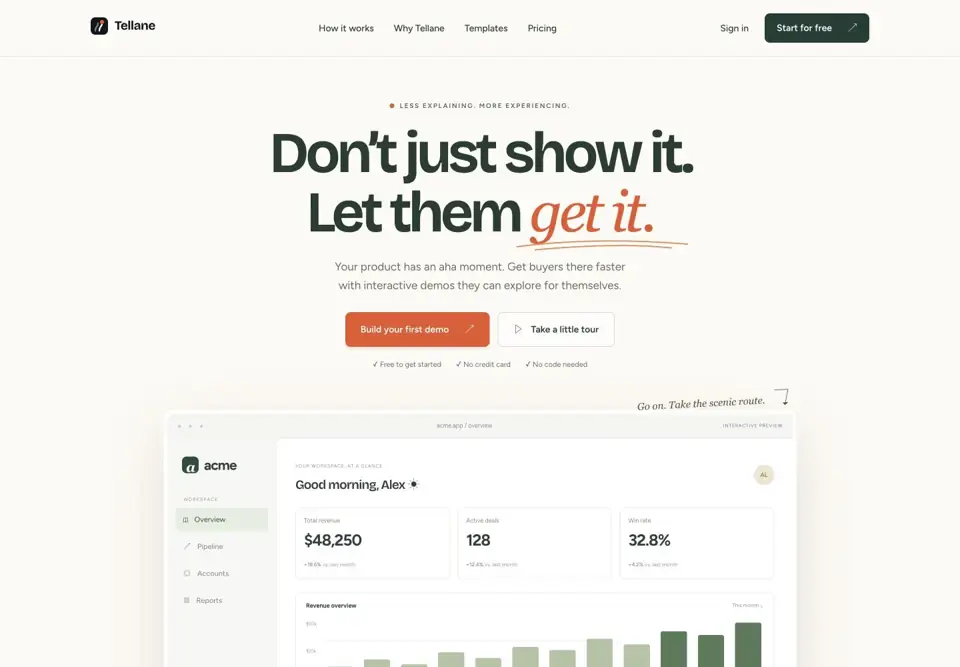
Official website preview Explore the current product, features and plans at Tellane.
A few useful answers
It is a clickable, guided experience built from product screens. A viewer can move through the story at their own pace rather than only watching a linear recording.
Tellane’s public site describes shared demos that viewers can explore without logging in to the underlying product.
Yes. Sharing by link and embedding are part of the published workflow. Review the documentation for the current embed setup.
A Tellane demo is a separate experience built to explain a product. An in-app onboarding tool such as Wakeline adds guidance to a live application.
Your next step starts here.